
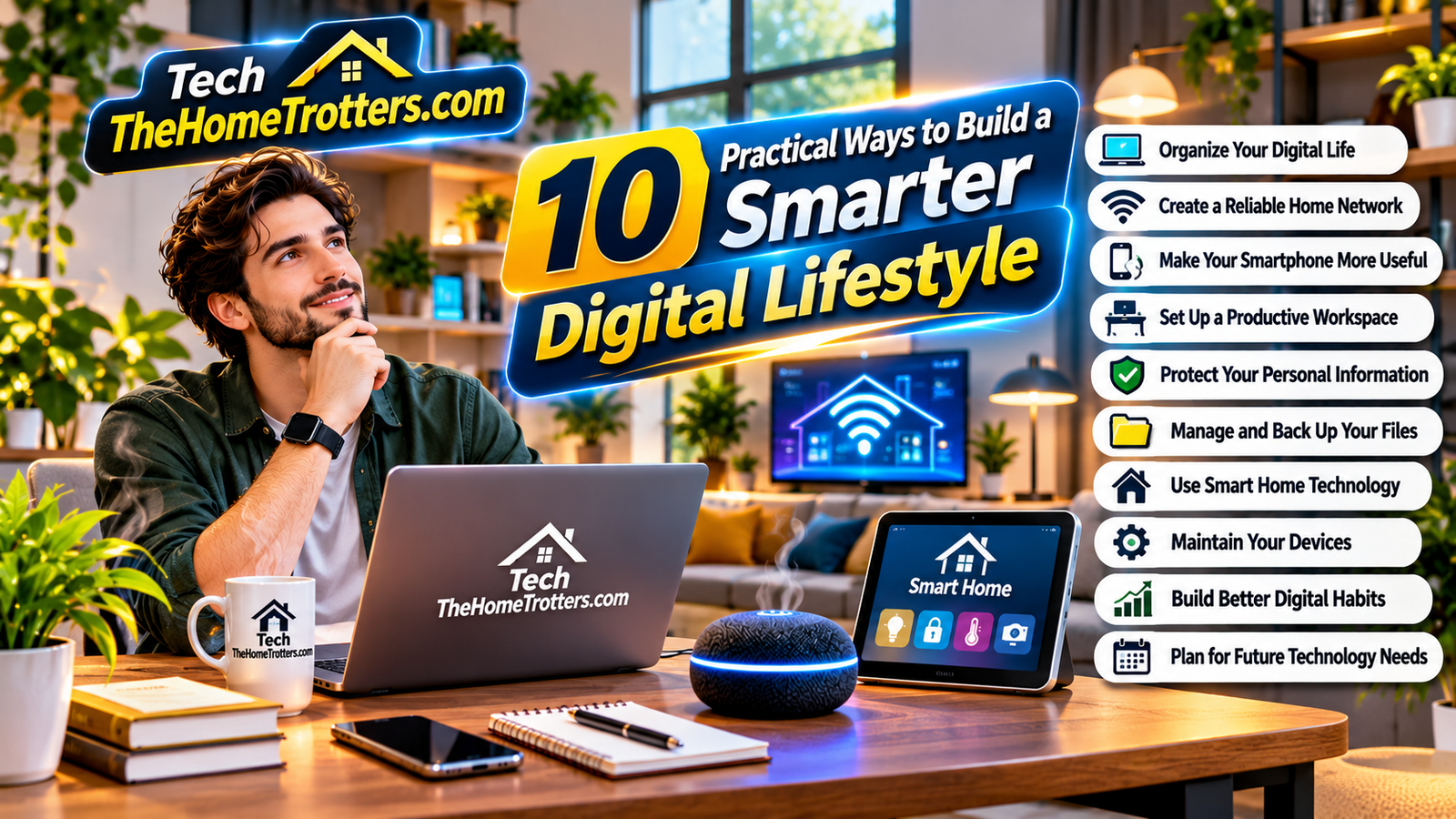
Technology influences how we communicate, work, learn, shop, and manage our homes. A smartphone can organise an entire day, a laptop can support a growing business, and a few connected devices can make household routines easier. Yet having more technology does not automatically make life better.
The real benefit comes from choosing tools that solve everyday problems. A well-planned digital environment saves time, reduces unnecessary effort, and makes important information easier to manage. It also helps people avoid spending money on devices and services they rarely use.
That is the practical idea behind tech thehometrotters.com: making technology useful, understandable, and relevant to ordinary life. A smarter digital lifestyle does not require an expensive collection of gadgets. It starts with better decisions, organised devices, and habits that support your daily routine.
This guide explores ten practical ways to create a digital environment that works smoothly at home and beyond. The ideas shared through tech thehometrotters.com focus on practical improvements that can fit different budgets, lifestyles, and technology requirements.
1. Design Your Digital Environment Around Daily Activities
Before installing new applications or purchasing connected devices, look at how technology fits into your routine.
A person who works remotely may need a reliable internet connection, a comfortable workstation, and organised cloud storage. A student might benefit more from a note-taking application, a digital calendar, and a distraction-free study environment.
Start by identifying your most frequent activities:
- Communication with family, friends, and colleagues.
- Work, study, and personal projects.
- Managing household responsibilities.
- Paying bills and handling online transactions.
- Saving photographs, documents, and important records.
- Entertainment and personal learning.
Once these activities are clear, choose technology that supports them. Readers exploring tech thehometrotters.com can use this approach to build a setup based on real needs rather than popular product recommendations.
Try to avoid installing several applications that perform almost identical tasks. Too many tools can create confusion, duplicate notifications, and unnecessary subscriptions.
A simple digital environment is often easier to maintain than a complicated one. This is one of the useful principles behind tech thehometrotters.com: every device or application should have a clear purpose.
2. Create a Home Network That Supports Every Device
Your internet connection is the foundation of many modern household activities. Video meetings, online classes, streaming services, smart televisions, security cameras, and mobile devices may all depend on the same network.
A weak network can affect several activities at once. However, upgrading your internet package is not always the first solution.
Begin by checking your router’s placement. Keep it in an open, central location where possible. Thick walls, large furniture, metal objects, and distance can weaken wireless signals.
Other useful steps include:
- Restarting the router when connection problems occur.
- Updating router firmware through the manufacturer’s instructions.
- Using a strong Wi-Fi password.
- Connecting stationary devices through Ethernet when practical.
- Checking whether your router supports the required Wi-Fi standard.
- Reviewing connected devices for anything unfamiliar.
For larger homes, a mesh Wi-Fi system may provide better coverage than relying on one router. The right solution depends on the building layout, internet speed, and number of connected devices.
When comparing network equipment through tech thehometrotters.com, consider coverage and reliability alongside advertised speed. You should also check whether your router receives regular security updates.
For independent information about internet and communication services, explore the Federal Communications Commission’s consumer resources. These resources can help readers understand different aspects of communication technology.
A reliable network makes connected devices easier to manage. The practical network advice on tech thehometrotters.com is particularly useful when several family members use the internet at the same time.
3. Turn Your Smartphone Into a Useful Daily Assistant
A smartphone can handle far more than calls and social media. With a few carefully selected applications, it can become a practical organiser for daily life.
Start with basic tools that have a clear purpose.
Calendar applications: Use them for appointments, deadlines, meetings, and reminders.
Note-taking applications: Save ideas, shopping lists, project notes, and important information.
Password managers: Store unique passwords securely instead of reusing the same password across websites.
Cloud storage: Keep important documents accessible across supported devices.
Navigation applications: Plan journeys and check routes before travelling.
The goal is to create a phone setup that supports your routine without becoming another source of distraction.
People following tech thehometrotters.com should also review application permissions regularly. A simple calculator or flashlight application usually does not need unrestricted access to contacts, location, or microphone data.
Remove applications you no longer use. Disable unnecessary notifications and organise your home screen around the tools you actually need.
A little organisation can make your smartphone considerably more useful. The smartphone recommendations on tech thehometrotters.com also encourage users to review their digital habits instead of downloading every trending application.
Read more: SosoActive.com: 10 Important Trends Shaping Digital Magazines and Online Content
4. Build a Productive Workspace Without Overspending
A productive workspace depends on comfort, organisation, and suitable equipment. You do not need a premium office setup to work effectively.
Start with the basics: a stable desk, a comfortable chair, sufficient lighting, and a computer that handles your workload.
Then consider improvements according to your needs.
| Workspace item | Practical benefit |
|---|---|
| External monitor | Provides more screen space |
| Wireless keyboard | Offers flexible desk placement |
| Laptop stand | Helps position the screen comfortably |
| Headphones | Reduce distracting background noise |
| Desk lamp | Improves local lighting |
| External storage | Provides additional file capacity |
Before buying accessories, check whether your existing equipment already performs the required task.
For example, a laptop stand may improve screen positioning, but it will not automatically improve computer performance. Similarly, an expensive mechanical keyboard may feel comfortable, but it is not essential for every user.
The approach promoted by tech thehometrotters.com is to make each purchase serve a specific purpose. Consider your daily workload before spending money on upgrades.
Keep frequently used items within reach, organise charging cables, and separate work files from personal documents. A clean workspace makes it easier to focus and find what you need.
A practical workspace is a recurring theme in tech thehometrotters.com because small improvements can make everyday tasks more comfortable without requiring a complete office makeover.
5. Protect Your Personal Information Before Problems Occur
Digital security deserves attention because everyday accounts contain valuable personal information. Email, banking, shopping, social media, and cloud storage accounts can all hold sensitive details.
A few basic habits can reduce common security risks.
Use unique passwords: Avoid using one password for multiple accounts. If one service experiences a breach, reused passwords can put other accounts at risk.
Enable multi-factor authentication: Where available, add another verification step to important accounts.
Install software updates: Updates often include security fixes as well as new features.
Check website addresses: Look carefully before entering passwords or payment details.
Be cautious with attachments: Unexpected files and links can contain harmful content.
Review account activity: Check for unfamiliar sign-ins and devices.
Anyone researching tech thehometrotters.com should understand that security is an ongoing responsibility. Installing an antivirus application alone does not protect every part of a digital life.
The Cybersecurity and Infrastructure Security Agency’s Secure Our World guidance provides practical advice on passwords, multi-factor authentication, software updates, and recognising suspicious messages.
Make security checks part of your regular digital routine rather than waiting until something goes wrong. The security guidance discussed on tech thehometrotters.com can help readers develop habits that protect their accounts and personal information.
6. Organise Digital Files So Important Information Stays Accessible
A disorganised collection of files can waste time and create unnecessary stress. Documents may be saved under unclear names, photographs can become difficult to locate, and duplicate downloads can consume storage space.
A simple folder structure can make a major difference.
For example:
- Personal Documents
- Work Projects
- Education
- Financial Records
- Photos and Videos
- Receipts and Purchases
- Important Backups
Use descriptive filenames that explain the contents. Instead of naming a document “final2.pdf”, use a name such as “November-Budget-2026.pdf”.
You can also organise files by year or project when that makes them easier to locate.
Cloud storage can help synchronise information between devices, but it should not be treated as your only backup. Account access problems, accidental deletion, and service interruptions can affect availability.
Readers using tech thehometrotters.com can apply a simple rule: important files should be organised, backed up, and easy to identify.
Review your storage every month. Remove unnecessary downloads, archive completed projects, and check whether important documents are stored in the correct location.
Digital organisation is an important part of tech thehometrotters.com because finding information quickly can save time during work, study, and household activities.
7. Make Smart Home Technology Work as One System
Smart home products can make certain routines more convenient. Smart bulbs, plugs, thermostats, door sensors, and cameras may help manage different parts of a household.
However, buying several products without checking compatibility can create a frustrating setup.
Start with one practical use case.
For example, smart lighting may help control lights through an application or scheduled routine. A smart plug can allow compatible appliances to be switched remotely. A door sensor may send an alert when an entry point opens.
Before purchasing, check:
- Which wireless connection the device uses.
- Whether a separate hub is required.
- Which mobile operating systems are supported.
- Whether remote access requires an account.
- Whether additional subscription fees apply.
- How the manufacturer handles software updates.
The smart home advice associated with tech thehometrotters.com should always consider privacy and reliability alongside convenience.
Avoid connecting every household device to the internet simply because the feature is available. Some products work perfectly well without smart functionality.
Build your system gradually. Test each device before adding another, and keep essential manual controls available wherever possible.
Compatibility should remain a priority when following tech thehometrotters.com smart home recommendations. A smaller collection of compatible devices can be easier to manage than several products that require separate applications and accounts.
8. Develop Better Digital Habits for Work and Personal Time
Technology can improve productivity, but constant notifications and endless scrolling can interrupt concentration.
A healthier digital routine begins with deciding when and how you want to use your devices.
Try these practical habits:
Set notification priorities: Allow alerts from important contacts and essential applications while disabling unnecessary promotional notifications.
Use focus periods: Set aside specific blocks of time for work, study, or personal projects.
Separate work and personal accounts: This makes it easier to manage messages, files, and responsibilities.
Review screen time: Check which applications consume most of your attention.
Schedule offline breaks: Give yourself regular opportunities to step away from screens.
A useful digital routine should support your goals rather than dictate every moment of your day.
When applying ideas from tech thehometrotters.com, remember that productivity tools are only helpful when they reduce friction. Adding five new applications to manage one simple task may create more work than it removes.
Experiment with small changes. Keep the habits that genuinely improve your day and remove the ones that do not.
Readers can use tech thehometrotters.com as a starting point for exploring practical ways to balance digital convenience with personal time.
9. Maintain Your Devices Instead of Replacing Them Too Early
Replacing a device can be expensive, especially when the original problem is minor. Regular maintenance may extend the useful life of computers, smartphones, routers, and household electronics.
Start with simple checks.
- Keep ventilation openings clear.
- Avoid exposing electronics to excessive heat and moisture.
- Use suitable chargers and cables.
- Install supported operating system updates.
- Remove unnecessary applications and temporary files.
- Check battery condition when performance declines.
- Clean devices according to manufacturer instructions.
For computers, storage health and available disk space can affect the experience. For smartphones, battery performance may decline over time. For routers, outdated firmware can cause security and reliability concerns.
However, maintenance has limits. A device with failing hardware, unsupported software, or serious safety damage may need professional repair or replacement.
The practical guidance behind tech thehometrotters.com is to understand the problem before spending money on a replacement.
Check repair costs, parts availability, warranty coverage, and the age of the product. Compare the total repair cost with the price and expected lifespan of a suitable replacement.
Device maintenance is another useful subject covered by tech thehometrotters.com because a few regular checks can help users avoid unnecessary purchases.
10. Prepare Your Technology Setup for Future Needs
A useful digital setup should be flexible enough to support changing requirements. Your current needs may be different from those you have six months or two years from now.
A student may eventually need a more capable laptop for professional work. A small business owner might require additional storage, better security, or collaboration tools. A household may add connected devices as its routines change.
Think about future requirements before making major purchases.
Consider these questions:
- Can the product receive software updates?
- Are replacement parts reasonably available?
- Does it support widely used standards?
- Can storage or memory be upgraded?
- Will it work with your existing equipment?
- Does the manufacturer provide useful support?
Readers exploring tech thehometrotters.com can use these questions to avoid buying products that become inconvenient too quickly.
It is also worth keeping a simple record of important devices, purchase dates, warranty details, and account recovery information. This makes future troubleshooting and maintenance easier.
Future-ready technology does not mean buying the most expensive model available. It means choosing products that offer enough flexibility for realistic changes in your life.
The long-term planning approach at tech thehometrotters.com encourages buyers to consider software support, repair options, and compatibility before making a major purchase.
A Simple Monthly Technology Review
You do not need a complicated system to maintain a reliable digital environment. A short monthly review can help identify problems before they become serious.
Use this checklist:
- Check for important operating system and application updates.
- Review passwords and multi-factor authentication settings.
- Confirm that important files have working backups.
- Remove unused applications and unnecessary downloads.
- Check internet performance and router settings.
- Review subscriptions and recurring payments.
- Inspect cables, chargers, and frequently used devices.
- Review smart home device access and permissions.
- Organise important documents and photographs.
- Identify one technology problem worth improving next month.
This routine keeps technology manageable. It also gives you a chance to reconsider purchases and subscriptions that no longer provide value.
A monthly review is a simple practice recommended through tech thehometrotters.com because it turns digital maintenance into a manageable routine.
Read more: Find Your Dream Home at Unbeatable Prices – Only on sell house cash
Common Mistakes That Make Technology Less Useful
Even a well-equipped home or workspace can become inefficient when basic decisions are overlooked.
Here are several mistakes worth avoiding:
Buying products without checking compatibility: Always confirm that a device supports your existing equipment and software.
Ignoring ongoing costs: Subscriptions, maintenance, accessories, and energy consumption can increase the actual price.
Installing too many applications: Duplicate tools create confusion and unnecessary notifications.
Delaying security updates: Unsupported or outdated software can expose devices to known security weaknesses.
Depending on a single backup: Keep important information protected against accidental deletion or device failure.
Following every technology trend: A popular product may not solve a problem you actually have.
The goal of tech thehometrotters.com is best served when technology choices remain practical. A reliable, affordable device that performs its intended job can be more valuable than a feature-packed product that creates extra complexity.
Before following a new recommendation, compare it with the practical principles discussed on tech thehometrotters.com. Consider your budget, daily routine, existing devices, and long-term requirements.
Final Thoughts
A smarter digital lifestyle is built through consistent decisions. You do not need to replace every device, subscribe to every service, or automate every household task. Start by understanding your needs, improving your network, organising your information, and protecting your accounts.
Choose equipment according to its purpose. Maintain the devices you already own, and review your digital habits regularly. Small improvements can make technology easier to use and less expensive to manage.
Keep exploring tech thehometrotters.com for practical ideas about connected living, digital organisation, device care, and everyday technology decisions. The best digital setup is the one that helps you work comfortably, stay informed, protect important information, and enjoy more control over your daily routine.
